Skip to content

Digital valet

Digital valet: the paper ticket, replaced.

A digital valet ticket lives on the guest’s phone, not in their pocket. It cannot be lost, it carries a photo of the car, and it is how the guest asks for the car back. No app to download, no account to create.

  • No paper ticket to lose
  • Nothing for the guest to download
  • Check-in by photo, plate read automatically

01

What digital valet means

The valet takes one photo. Vehicle recognition reads the plate, make, model and colour. A ticket code and QR appear on the valet’s phone; the guest scans it and the ticket opens on theirs, with the car’s photo, the ticket number and a button to request the car. It can still be sent by SMS or printed.

02

What changes for the team

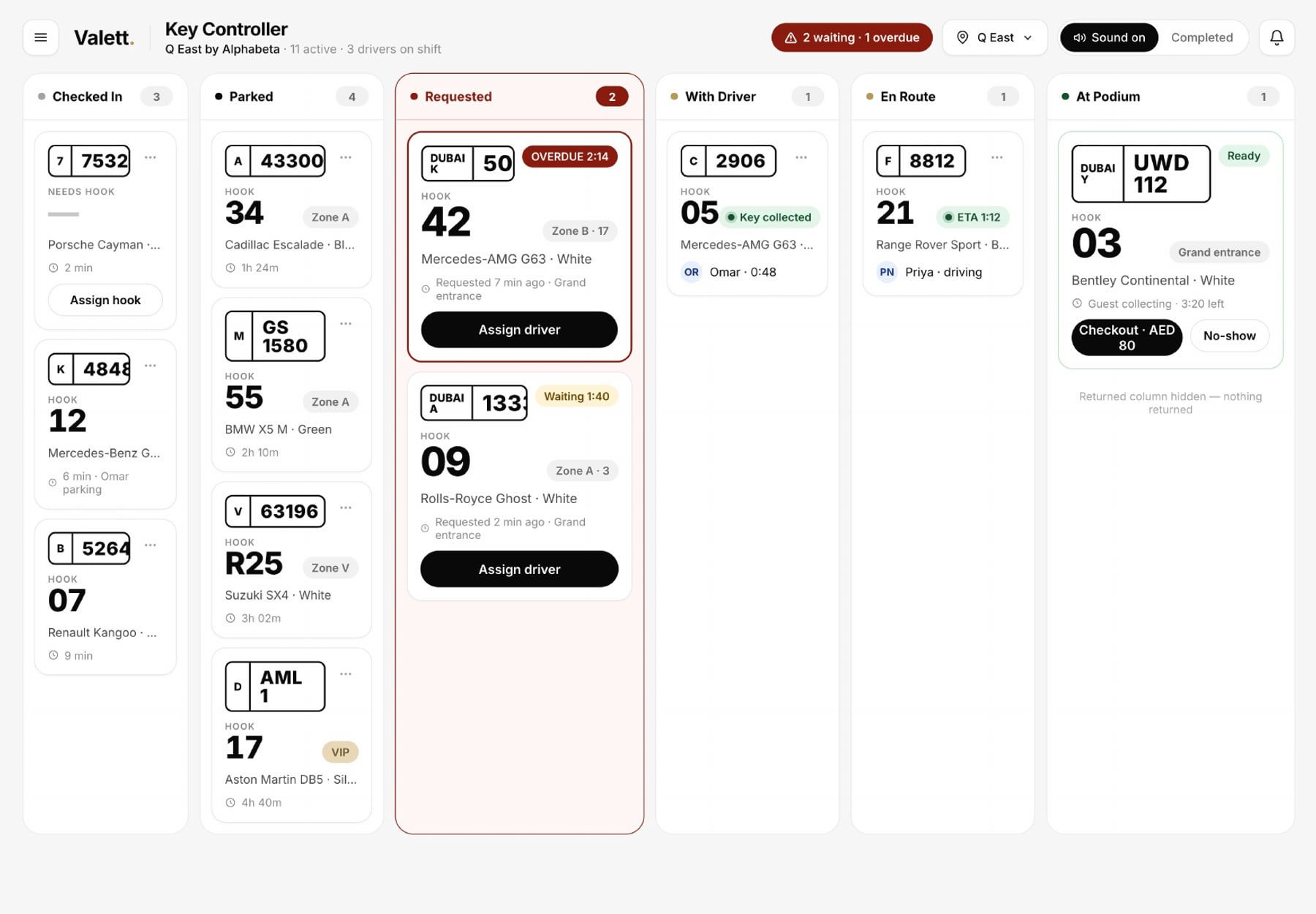
No ticket books, no stubs, no radio calls to find a car. The zone and bay are recorded when the car is parked, keys are tracked, and requests arrive on the driver’s phone. The key controller sees every live ticket on one board, sorted by promised time.

03

What changes for the venue

Every car is on the record before it moves, with time-stamped photos for damage disputes. Validation is a scan, not a stamp. Reports show cars, wait times, revenue and tips per shift, per venue and per driver.

The guest page

Nothing to download. Nothing to remember.

One page on the guest’s phone, opened from the QR. They see where their car is, ask for it from the table, message the shift manager and tip the driver, in English or Arabic, without an account.

Try it: tap Request My Car on the phone

Private message line to the shift manager, hidden from the driver. Rate, tip and receipt by text.

The Marquee

Parked · 01:06 AM

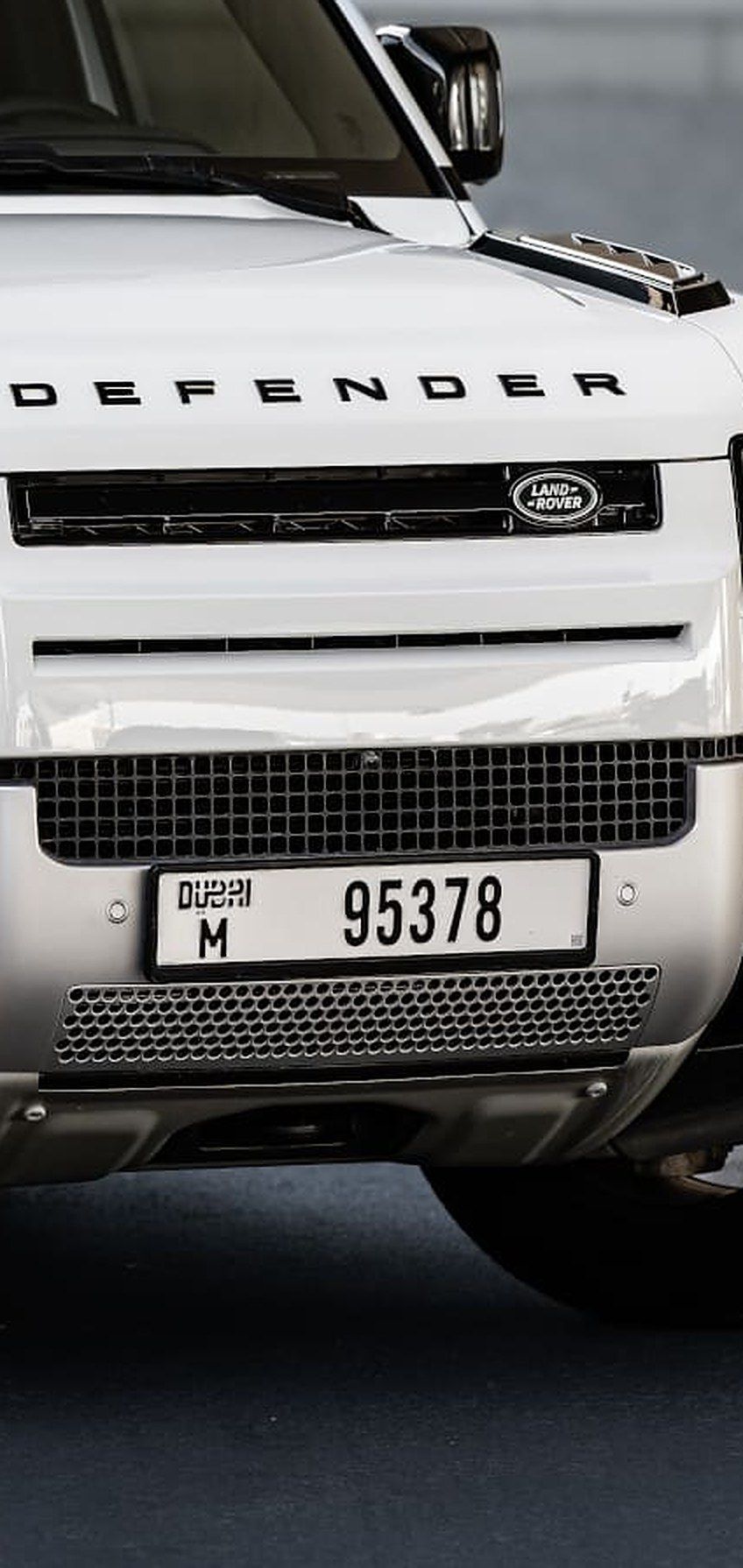
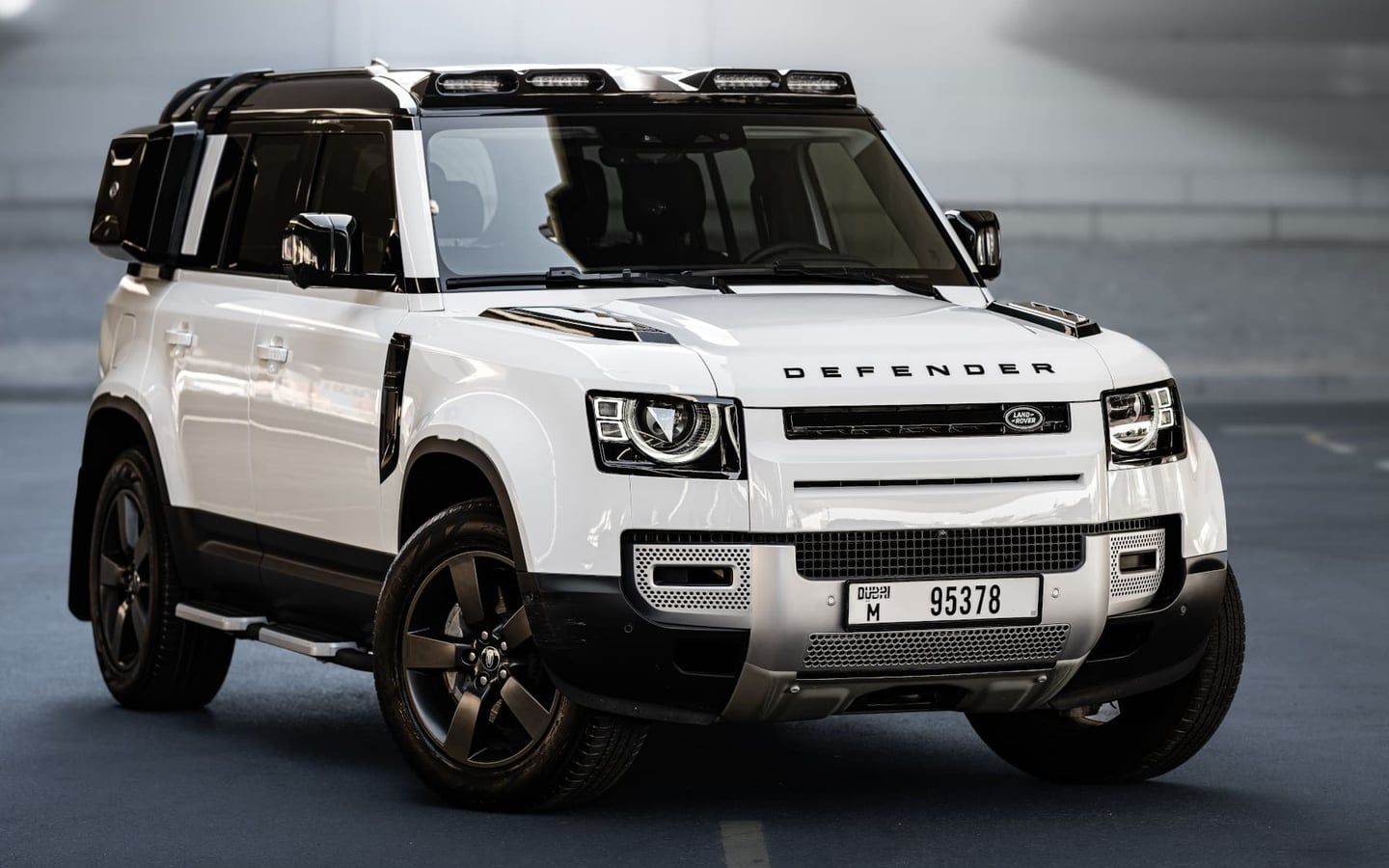
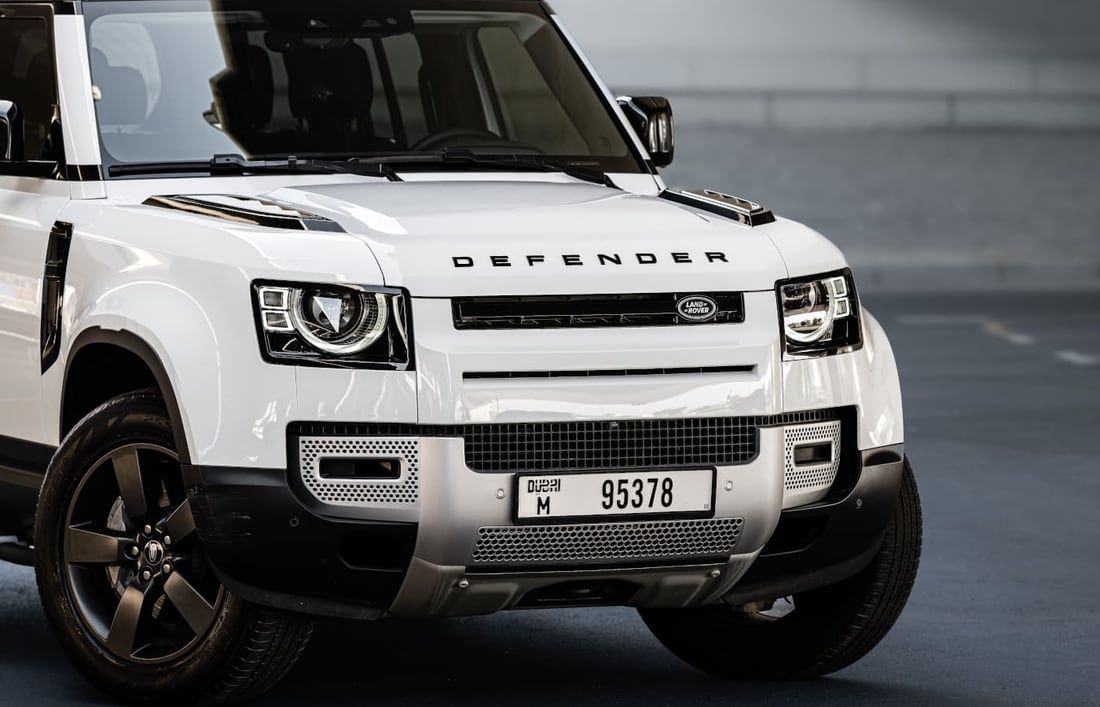
Land Rover Defender

· Ticket V777

Validation Ask your server

M

Shift manager

The Marquee · replies in a few minutes

Message

The staff app

Forty seconds from arrival to parked. All of it on the record.

  1. 01

    Photograph.

    One photo reads the plate, make, model and colour. No typing at the door.

  2. Valett

    Checked in · 01:06

    V777

    Land Rover Defender

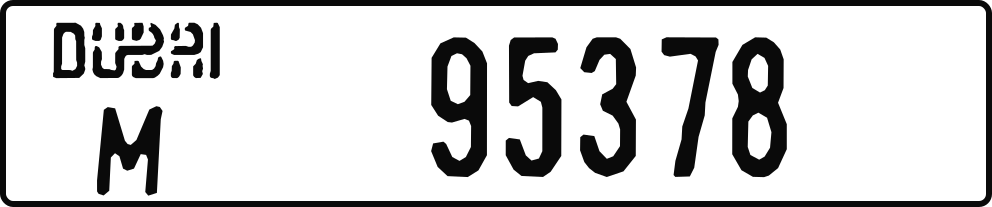
    White · Dubai

    Read from one photoPlate · model · colour
    Park car

    Wrong car? Retake · Send by SMS · Print

    02

    Ticket.

    Code and QR appear instantly: show it, send it by SMS, or print.

  3. Valett

    V777 · Land Rover Defender

    Where did you park?

    Zone

    P3

    Bay

    55

    P1P2P3P4
    KeysHook 55
    Walkaround 6 photos
    01:07:02 01:07:09 01:07:15
    Parked · Zone P3 · Bay 55 · Photos saved

    03

    Park.

    Zone and bay recorded, keys tracked, damage walkaround with time-stamped photos.

Valett

New request · Just nowOn my way · Zone P3

Land Rover Defender

ParkedZone P3 · Bay 55
ColourWhite
On my way On my way

On shift · 02:15:03Guest notified · their page says Bringing

04

“New request, just now. Land Rover Defender, Zone P3, Bay 55. On my way.”

The driver taps once and the guest’s page moves.

The key controller

Every ticket on one board, from checked in to at the podium. The shift manager sees who is on, what is requested and what is running late.

Key controller board: columns for checked in, parked, requested, with driver, en route and at podium, each ticket with its hook, car and timing.

Integrations and partners

Built to plug into the venue.

Integrations

The Marquee
  • Fully digital system

    No paper tickets, no radios, no clipboards

  • AI scanning technology

    Plate, make, model and colour from one photo

  • Online card payments, Apple Pay and digital tipping

    Guests pay and tip on the receipt

  • Hotel PMS

    Room charge and guest profile

  • Crypto payments

    Guests can settle in crypto

  • Car care while parked (cleaning, fuel)

    Cleaning or fuel while the car waits

  • Parking and barrier systems

    Barriers open on the ticket

  • Salik and Dubai payments

Hotel systems

Next: Oracle OPERA, so the valet desk and the front desk work from the same guest.

Most of Dubai’s luxury hotels run on Oracle Hospitality’s OPERA. Valett is building its connection to OPERA Cloud first, then the other major hotel systems.

in development
  1. 01

    Guest profile on the ticket

    The car is matched to the reservation: name, room, VIP status and departure date appear on the ticket and the board.

  2. 02

    Valet on the room bill

    Valet fees and validations post to the guest’s folio. No cash, no paper chit, nothing to reconcile at checkout.

  3. 03

    Ready at check-out

    When the guest checks out, the car is queued for the door, so it is waiting before they reach the lobby.

  4. 04

    VIP and loyalty tiers

    Tiers set in OPERA follow the guest to the kerb: priority bays, complimentary parking, the right welcome.

Oracle and OPERA are trademarks of Oracle. Valett is not affiliated with or endorsed by Oracle.

Questions

Questions venues ask.

What is a digital valet ticket?
A ticket that lives on the guest’s phone instead of on paper. The guest opens it from a QR on the valet’s phone; it shows their car’s photo and lets them request the car, message the shift manager, pay and tip.
Is digital valet the same as a valet app?
For the team, yes: the staff app runs on the drivers’ phones. For the guest, no: there is nothing to install. The ticket is a web page, in English or Arabic.
Can we still give guests a printed ticket?
Yes. The ticket can be shown on screen, sent by SMS or printed, whichever the guest prefers.
Does digital valet software need new hardware?
No. The staff app runs on the drivers’ own phones and the guest uses theirs. The back office runs in a browser.
See it at your door.

Thirty minutes, on a call or at your venue, with the real app in your hands.